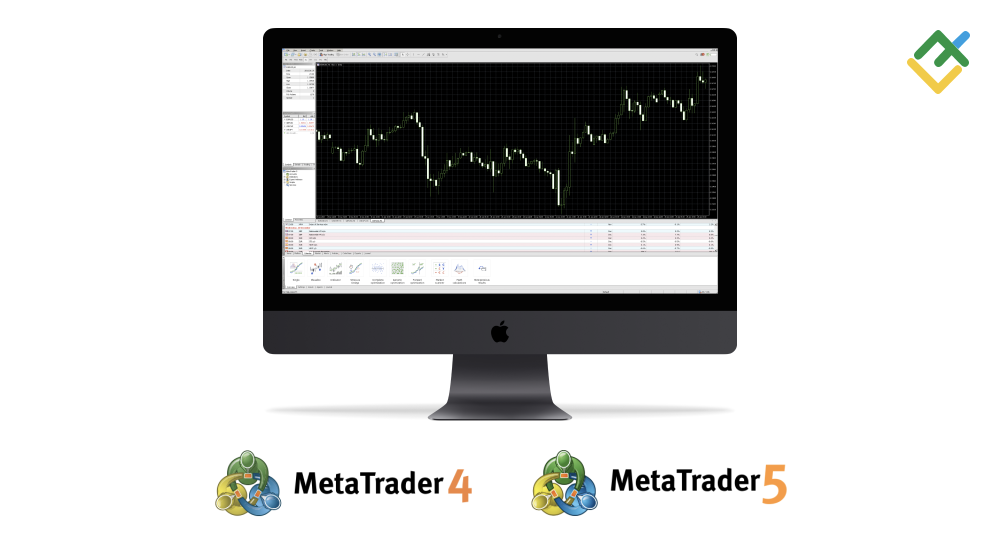
macOS 版本的 LiteForex MT4 和 MT5

MetaTrader 4 和 MetaTrader 5 交易平台现在可以安装在 macOS 上,无需额外的模拟软件。

用于在 Mac 上安装 MetaTrader 的官方 MetaQuotes 构建现在可供 LiteForex 的客户使用:

在此处下载适用于 macOS 的 MetaTrader4 和 MetaTrader5。

下载 LiteForex MT4 和 MT5

如何在 Mac 个人电脑上安装 MetaTrader?

liteforex mt4 and mt5 trading platforms for macos

  1. 运行下载的 .dmg 文件。
  2. 将图标拖到 “应用程序 Applications”,等待平台安装完成。
  3. 运行安装的平台。
  4. 点击 “添加新经纪商 add a new broker” 并输入 “LiteForex”。
  5. 在服务器列表中选择您交易账户的服务器。
  6. 使用您的帐号和密码登录您的帐户。

MT 平台可在所有 macOS 版本上稳定运行。


1

EXNESSEXNESS

4.9 评分基于 129 评分
4.9 评分基于 129 评分
4.9/5 129
2

XMXM

4.9 评分基于 268 评分
4.9 评分基于 268 评分
4.9/5 268
3

AxioryAxiory

4.6 评分基于 57 评分
4.6 评分基于 57 评分
4.6/5 57
4

InstaForexInstaForex

4.4 评分基于 36 评分
4.4 评分基于 36 评分
4.4/5 36
5

ForexMartForexMart

4.4 评分基于 35 评分
4.4 评分基于 35 评分
4.4/5 35
1

BingXBingX

4.2 评分基于 13 评分
4.2 评分基于 13 评分
4.2/5 13
2

bybitbybit

4.4 评分基于 13 评分
4.4 评分基于 13 评分
4.4/5 13
3

BitpandaBitpanda

4.9 评分基于 13 评分
4.9 评分基于 13 评分
4.9/5 13
4

YObitYObit

4.3 评分基于 13 评分
4.3 评分基于 13 评分
4.3/5 13
5

HuobiHuobi

4.9 评分基于 13 评分
4.9 评分基于 13 评分
4.9/5 13
  • 关闭

Cookie 同意

本网站使用 Cookie。点击"全部接受"即表示您同意我们的 隐私政策服务条款